Advanced Filters & Search
Advanced Filters & Search
Advanced
Scale
4:37
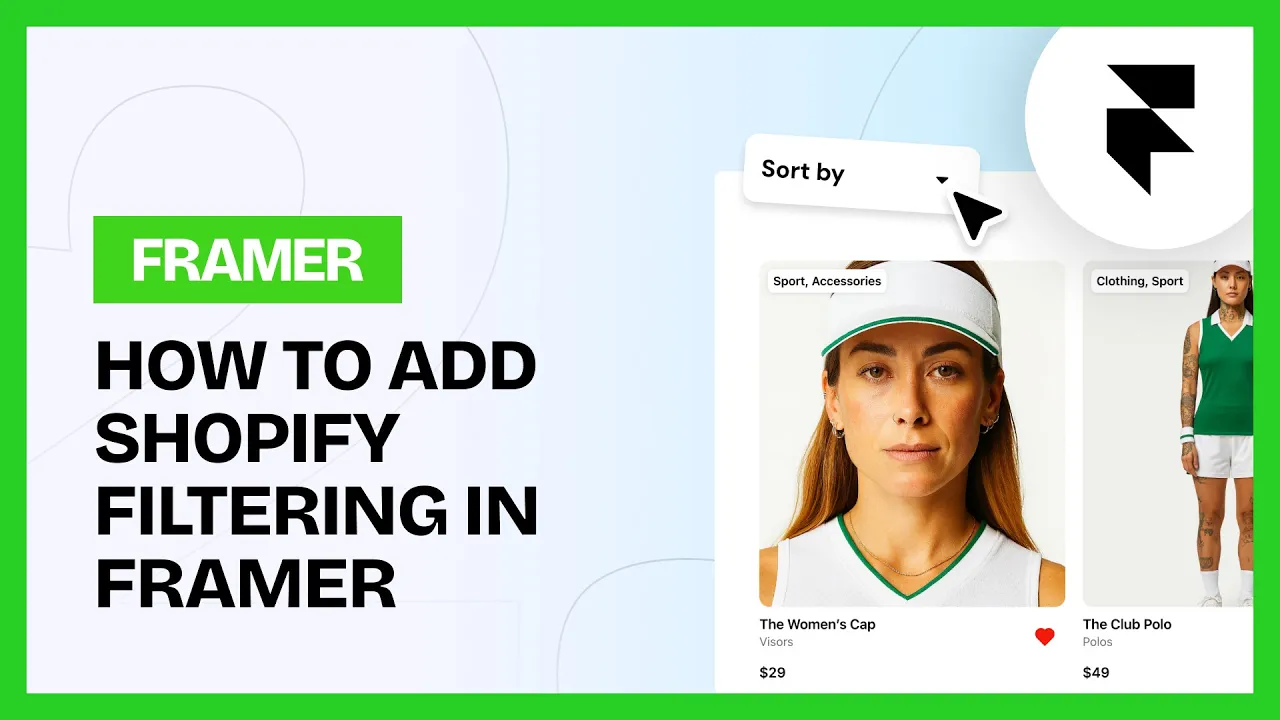
Frameship has 23 components for product discovery. Filters for price, color, size, availability, product type, bundles, subscriptions and dates, plus search, sorting, filter presets, active filter chips, result counts, saved favorites and Apply or Reset controls.
The filters understand real Shopify variant combinations. Pick a color and a size and you only see products where that exact combination exists. Galleries and variant selectors update to match. The In Stock filter checks live Shopify availability, not previously synced data.
Before you start
You'll need a Framer project connected to Shopify with Frameship, and your products synced to the CMS. Connecting Shopify to Framer covers that.
Add the Frameship Collection first
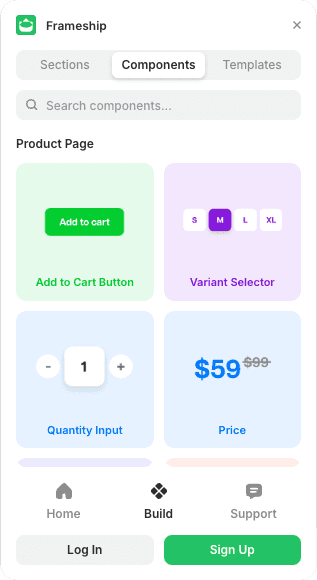
The Frameship Collection is the heart of the system. It connects your CMS list and displays the filtered and sorted results, so it goes in before anything else. Open the plugin, go to Components, then the Other tab.
Common questions
Do the filters know which variants actually exist?
Yes. If a shopper picks a color and a size, they only see products where that combination is real. It's reading actual Shopify variant data.
Is the In Stock filter live?
Yes. It checks current Shopify availability rather than the last sync.