Cart Upsells
Cart Upsells
Intermediate
Scale
2:21
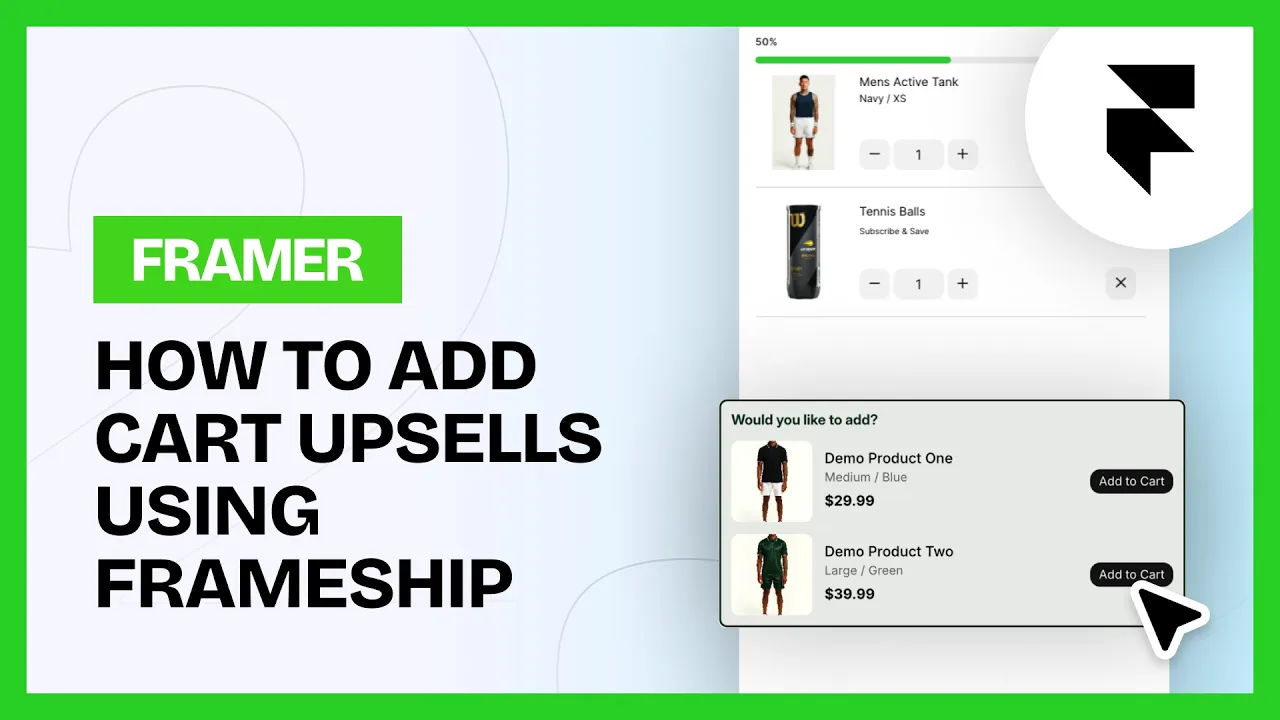
Recommendations come straight from Shopify, either its auto-generated suggestions or the complementary products you set up yourself. You pick how many to show and the component handles the rest.
💡 Note: Cart Upsells is a Scale tier component. You can upgrade your license in the plugin at any time.
In Shopify
In your store settings, go to Apps and add Search & Discovery. It's free.
Open a product, scroll to Product Metafields and click Complementary Products, or View All if you can't see it
Set the complementary products for each of your products
In Framer
1. Add the component
Insert the Cart Upsell component inside your Cart component.
2. Set the collection route
Fill in the Collection Route in the component settings. That's your CMS name with a forward slash in front of it.
3. Style it
Color, styling and text are all in the Properties panel.
Common questions
Where do the recommended products come from?
Shopify. Either its auto-generated suggestions or the complementary products you set manually in Search & Discovery.
What goes in Collection Route?
Your CMS name with a forward slash in front of it.