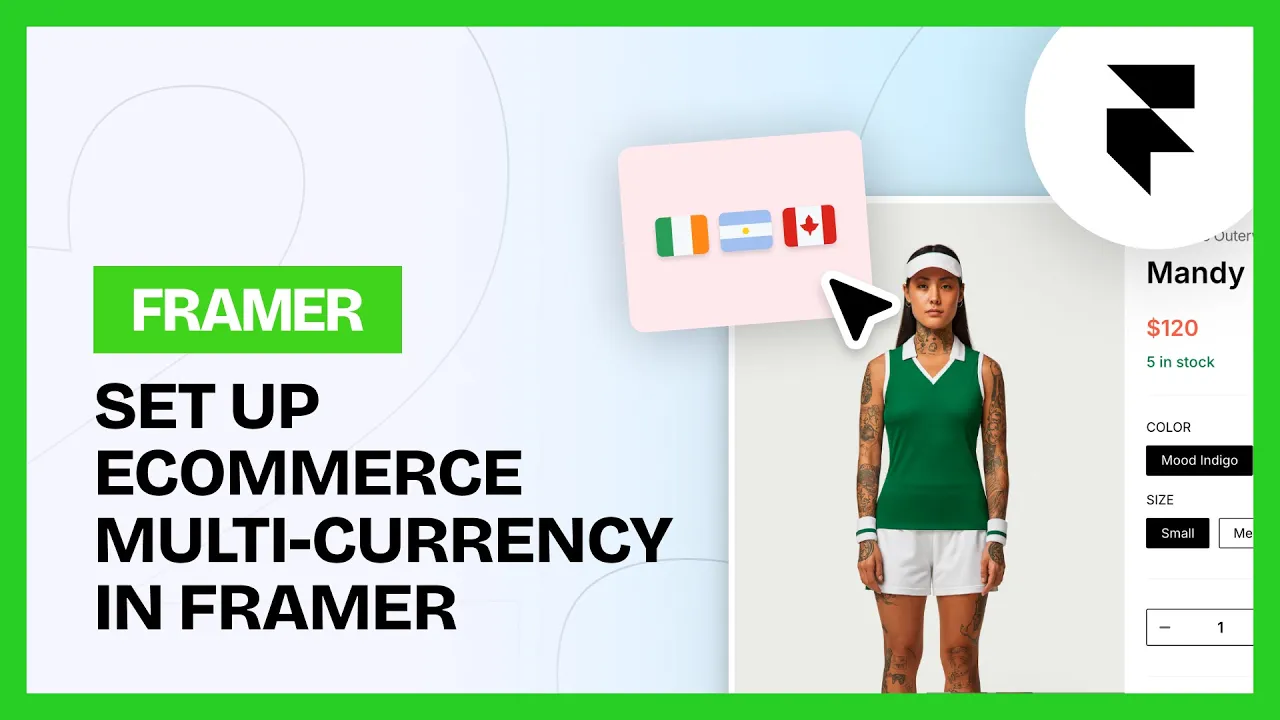
Markets & Multi-Currency
Markets & Multi-Currency
Intermediate
Scale
1:34
💡 Note: Markets is a Scale tier component. You can upgrade your license in the plugin at any time.
In Shopify
Set up your Markets and the currency you want for each one.
In Framer
1. Open the Catalog tab
Open the Frameship plugin and go to Catalog.
2. Drag in the components
Drop the market components where you want them.
💡 Note: These only work on preview or a published URL, not on the canvas.
3. Test it
Style them, then open a product detail page and switch market to watch the price change.
Common questions
Does the market switch automatically based on where someone is?
No. Market components don't track locale. It's a manual selection.
My currency symbol isn't pulling through
Set the intended currency under Markets in Shopify, then sync again in Framer.