Troubleshooting Common Issues
Troubleshooting Common Issues
Beginner
Free
2:27
The same handful of problems come up again and again after setup. Here's what causes them.
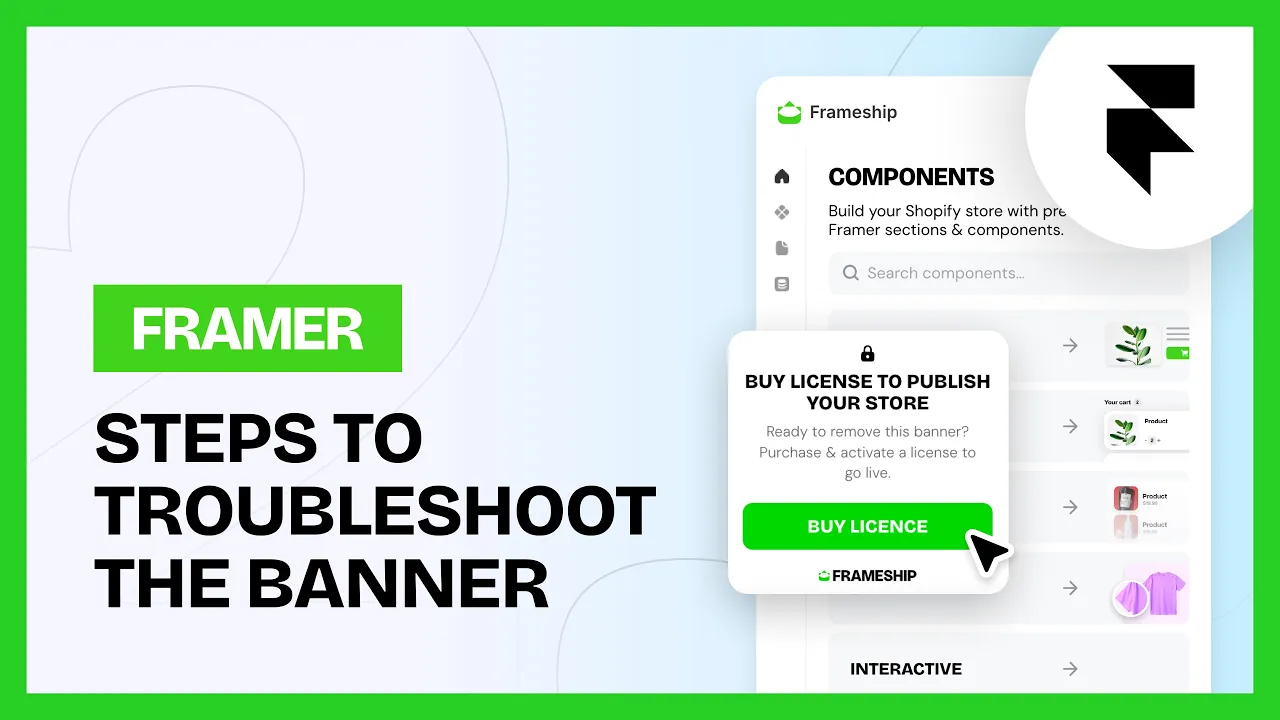
The Frameship banner is still showing
The banner means no activated paid license on that site.
Buying a license doesn't activate it. Activate it in the plugin under Manage Licenses
One license covers one site. A second project needs its own
Connected a custom domain after building? Check Production URL in the plugin settings. If it still points at your staging domain, Frameship sees a different site. Disconnect the license and the Shopify connection, then reconnect both
Republish after any license change
My products aren't syncing
Product data doesn't update on its own. Apart from stock count, every change you make in Shopify needs a manual Sync from the Framer CMS.
If products never appeared at all, check the Storefront API permissions on your Shopify custom app, particularly the inventory and selling plan ones.
My cart or checkout isn't working
Two usual causes.
Products have to live on a CMS detail page linked to your Frameship collection. Components placed on an ordinary page won't work
The cart needs an activated paid license before it works in preview or on a published site
Common questions
Why is the Frameship banner on my live site?
No activated license on that domain. Activate it in the plugin, check Production URL matches your live domain, then republish.
Why hasn't my product change come through to Framer?
Only stock count syncs on its own. Press Sync in the Framer CMS to pull everything else.